
For restaurants and cafés
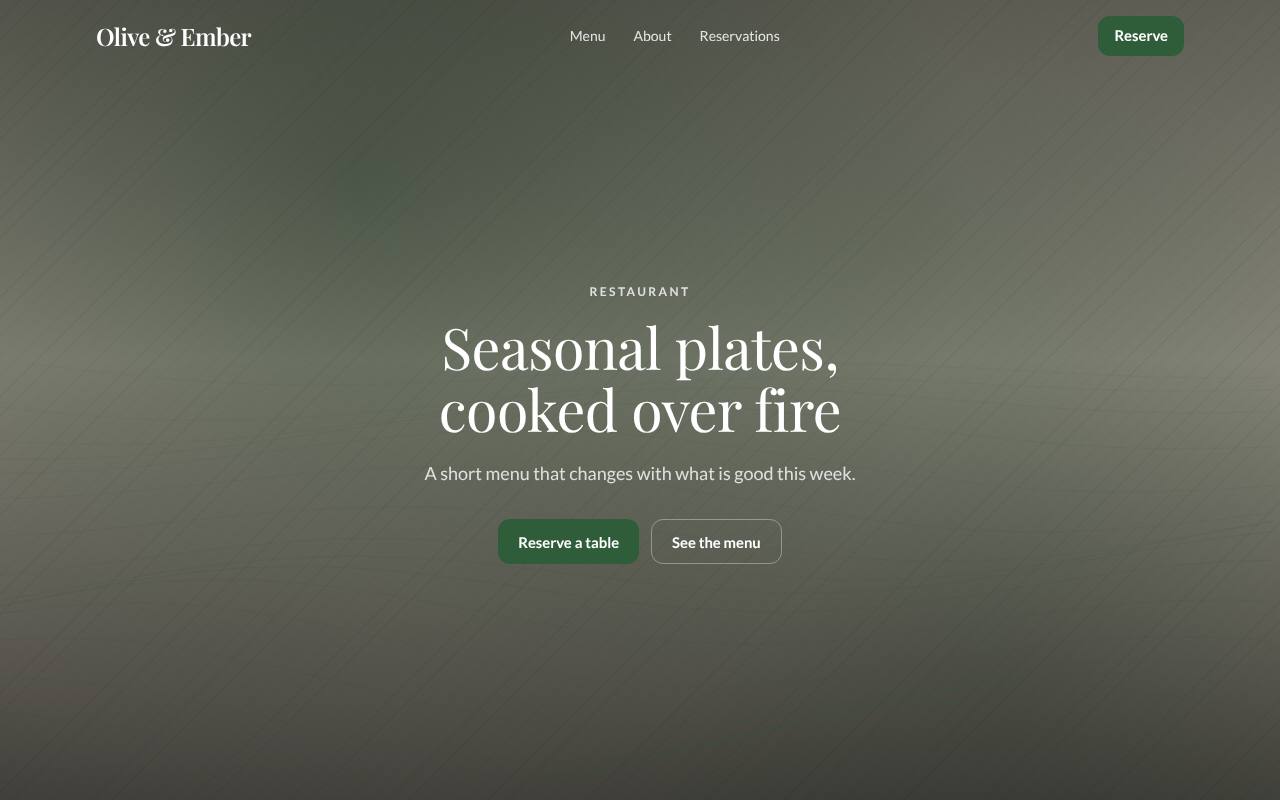
A restaurant website with your menu, story and reservation requests
Describe your kitchen, the food and the feel of the room. AIBuilder24 builds a website with a menu, your story, dishes with photos and a reservation request form, ready for your real prices and hours.
Try a description likeA neighbourhood Italian trattoria in Brooklyn with handmade pasta, a seasonal menu with prices, our family story, opening hours and table reservation requests. Rustic, warm look.Start freeFree to start · 500 AI credits included · No card needed
The pages you start with
- Home
- Menu
- Our story
- Reservations
- Private events
Ask for more pages, or remove any, at any time.
What you get
Why AIBuilder24 for restaurants
Menus that are easy to update
Menus are written as text and price lists you can change by asking, for example “add a vegan risotto at [Price] to the mains”.
Food that looks good
Show dishes in a grid, masonry layout or a scrolling carousel. Upload your own photos and ask the AI to use them.
Reservation requests
Guests send the date, time and party size through a form. Requests reach your inbox and your dashboard; you confirm by replying.
Found on phones
Pages are light and mobile-first, with titles and descriptions for search engines and a sitemap on every published site.
How it works
From description to live website in three steps
- Step 1
Describe your business
What you do, where you are, the pages and style you want, and any real details such as your phone number or prices.
- Step 2
Refine by chatting
Ask for changes in plain words, upload your photos and logo, and adjust colours, fonts and pages. Every version is saved.
- Step 3
Publish
Go live on a free yourname.aibuilder24.com address, or connect your own domain on a paid plan. Contact form messages reach your inbox.
Questions
Frequently asked questions
Does it take online orders?
No. AIBuilder24 builds information websites with reservation and enquiry forms. If you use an ordering or booking service, the AI can add a button that links to it.
Can I show opening hours and a map?
Opening hours and your address can be shown in the contact section and footer. Embedded maps are not available yet; the AI can link to your map listing instead.
Do I need to know how to code or design?
No. You describe your business in plain language, and you change the website by writing what you want, such as “make the buttons gold” or “add a page about our team”. You can also change colours, fonts, pages and the menu with simple controls.
Is it free to try?
Yes. New accounts get 500 AI credits once, enough for up to five complete websites or fifty changes, and you can publish on a free yourname.aibuilder24.com address. Paid plans add monthly credits and your own domain.
Will the AI make things up about my business?
It is told not to. Where it does not know a real fact, such as a price, address, opening hours or a customer review, it writes a [placeholder] for you to fill in, and before you publish we list every placeholder that is still there. Example reviews are never shown on your live website.
Can I use my own photos and logo?
Yes. Upload JPEG, PNG or WebP images, then ask the AI to use them, for example “use my photo shop-front.jpg as the home banner”, and choose your logo in Design settings. Until then the website uses tasteful placeholder artwork.
Can I use my own domain name?
On any paid plan you can connect a domain you own, such as www.yourbusiness.com. We show you the exact DNS record to add, check it for you, and set up the secure padlock (HTTPS) automatically.
Ready to see your website?
Describe your business and get a complete website in minutes. Free to start.