For salons, spas and beauty studios
A salon website that shows your services and invites appointment requests
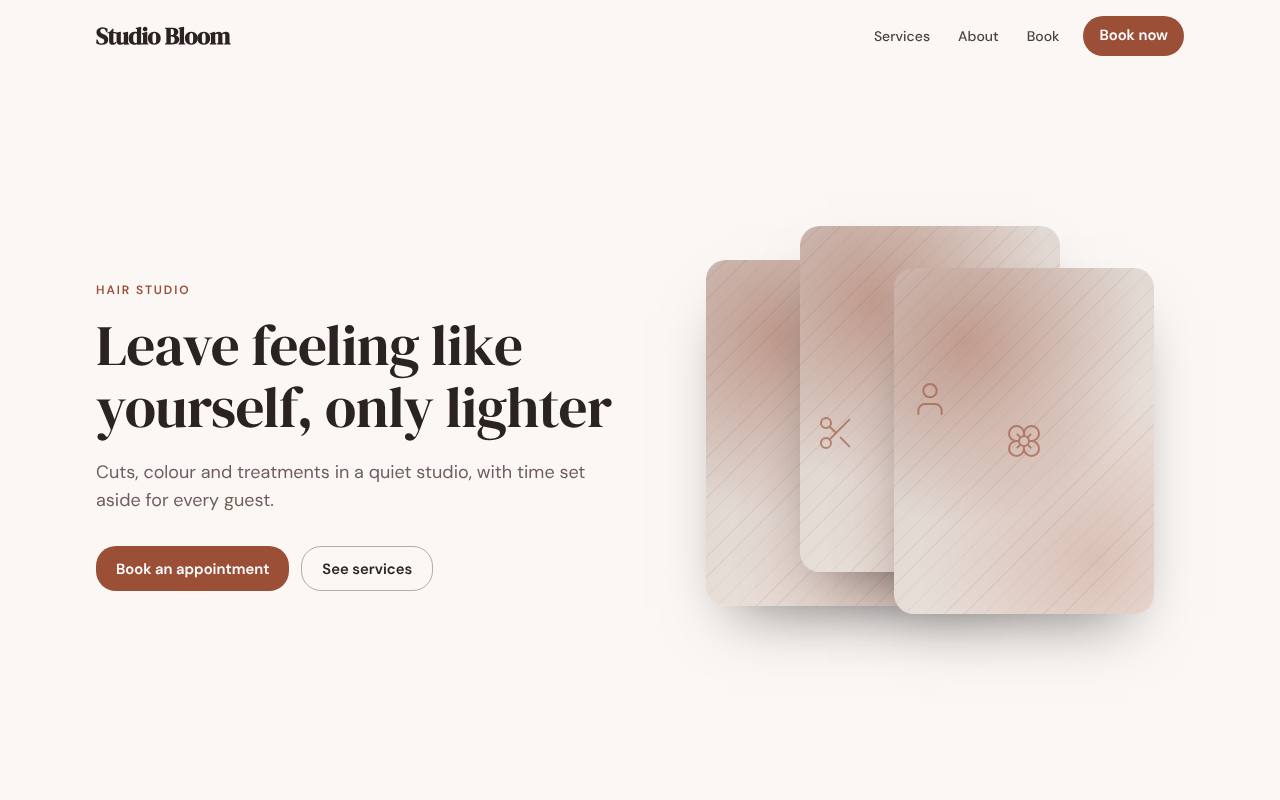
List your treatments and prices, introduce your team and invite visitors to request an appointment. AIBuilder24 builds the whole website in a warm, modern style you can fine-tune.
Try a description likeA boutique hair and nail salon in Manchester: cuts, colour, manicures and bridal packages with prices, a meet-the-team page and appointment requests. Soft blush and cream colours.Start freeFree to start · 500 AI credits included · No card needed
The pages you start with
- Home
- Services and prices
- Packages
- Our team
- Book an appointment
Ask for more pages, or remove any, at any time.
What you get
Why AIBuilder24 for salons and spas
Services with prices
Treatments appear as cards or a clear price list. Change a price or add a treatment by asking in plain words.
Packages and offers
Bridal, membership or seasonal packages in pricing cards, with one highlighted as the favourite.
Appointment requests
Clients choose a service and a preferred date in the form; the request is emailed to you so you can confirm.
Your work, in your photos
Upload photos of your salon and your results and ask the AI to place them in the banner, gallery or team section.
How it works
From description to live website in three steps
- Step 1
Describe your business
What you do, where you are, the pages and style you want, and any real details such as your phone number or prices.
- Step 2
Refine by chatting
Ask for changes in plain words, upload your photos and logo, and adjust colours, fonts and pages. Every version is saved.
- Step 3
Publish
Go live on a free yourname.aibuilder24.com address, or connect your own domain on a paid plan. Contact form messages reach your inbox.
Questions
Frequently asked questions
Does it connect to my booking calendar?
Not directly. The website collects appointment requests by form. If you use an online booking service, ask the AI to point your “Book now” buttons to its link.
Can I add a page for each stylist?
Yes. Ask for a team page with a short profile for each person, or a separate page per stylist.
Do I need to know how to code or design?
No. You describe your business in plain language, and you change the website by writing what you want, such as “make the buttons gold” or “add a page about our team”. You can also change colours, fonts, pages and the menu with simple controls.
Is it free to try?
Yes. New accounts get 500 AI credits once, enough for up to five complete websites or fifty changes, and you can publish on a free yourname.aibuilder24.com address. Paid plans add monthly credits and your own domain.
Will the AI make things up about my business?
It is told not to. Where it does not know a real fact, such as a price, address, opening hours or a customer review, it writes a [placeholder] for you to fill in, and before you publish we list every placeholder that is still there. Example reviews are never shown on your live website.
Can I use my own photos and logo?
Yes. Upload JPEG, PNG or WebP images, then ask the AI to use them, for example “use my photo shop-front.jpg as the home banner”, and choose your logo in Design settings. Until then the website uses tasteful placeholder artwork.
Can I use my own domain name?
On any paid plan you can connect a domain you own, such as www.yourbusiness.com. We show you the exact DNS record to add, check it for you, and set up the secure padlock (HTTPS) automatically.
Ready to see your website?
Describe your business and get a complete website in minutes. Free to start.